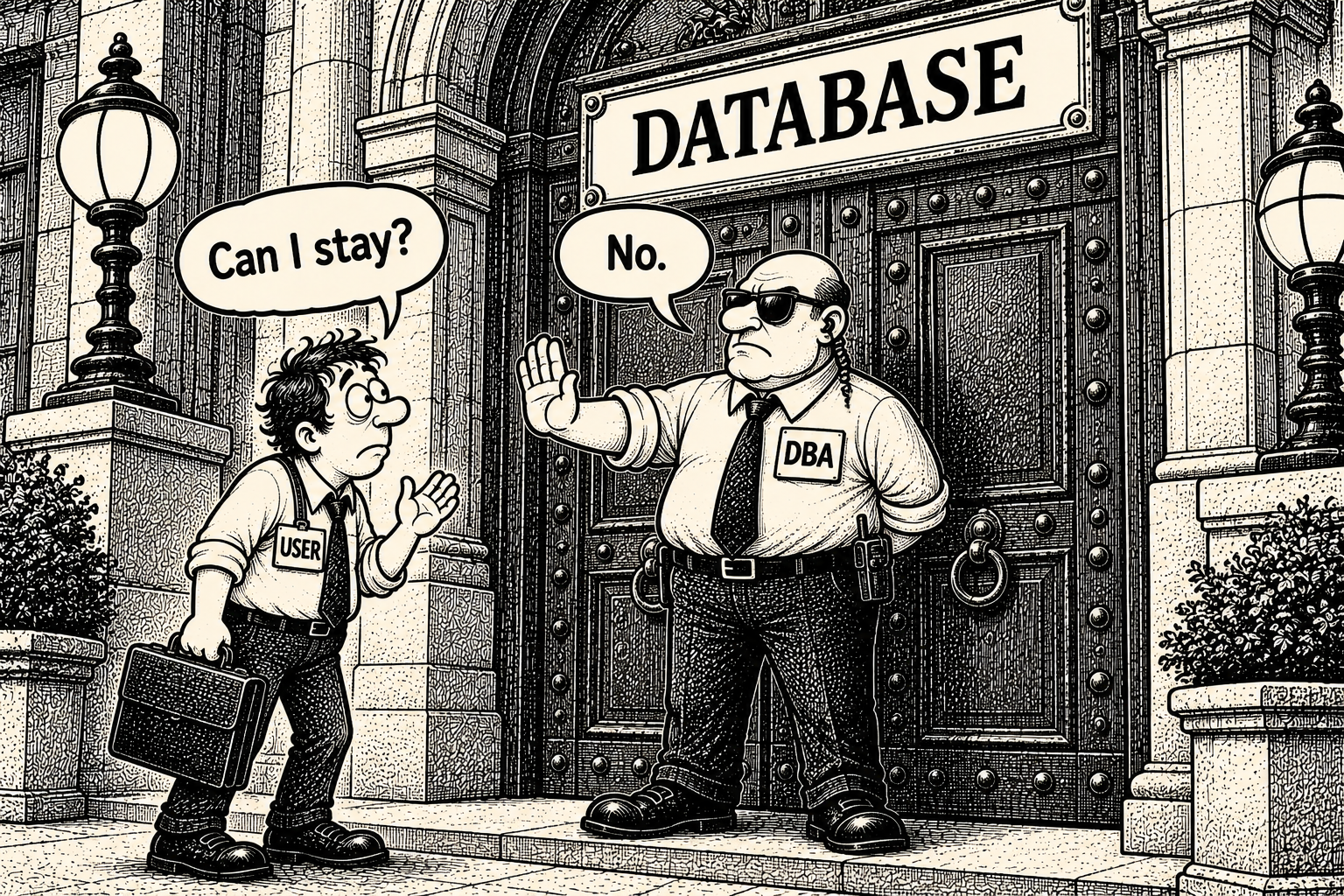
Slänga ut användare på tre olika sätt.
Tag : SQL,SQL Server
--Technique I
--Here we will query the SysProcesses table to get the session running against the user
--database and prepare the dynamic SQL statement to KILL all the connection.
DECLARE @DbName nvarchar(50)
SET @DbName = N'Write a DB Name here'
DECLARE @EXECSQL varchar(max)
SET @EXECSQL = ''
SELECT @EXECSQL = @EXECSQL + 'Kill ' + Convert(varchar, SPId) + ';'
FROM MASTER..SysProcesses
WHERE DBId = DB_ID(@DbName) AND SPId  @@SPId
EXEC(@EXECSQL)
--Technique II
--Take the database into Single User Mode and execute all the task needs to perform against the database.
ALTER DATABASE [Database Name] SET SINGLE_USER WITH ROLLBACK IMMEDIATE
--Once you are finish with all the required task make the database accessible to everyone.
ALTER DATABASE [Database Name] SET MULTI_USER
--Technique III
--In case of restore the database by replacing existing database,
--you can take the database OFFLINE and restore it. Restore will bring the database online.
ALTER DATABASE [Database Name] SET OFFLINE WITH ROLLBACK IMMEDIATE
ALTER DATABASE [Database Name] SET ONLINE
Search
About
Här samlar jag alla de där skripten, lösningarna och knepen jag byggt på mig under åren – främst inom SQL Server och PowerShell.
Istället för att de ska ligga och damma i en glömd mapp delar jag med mig av dem här, så att både jag själv (när minnet sviker) och du förhoppningsvis kan spara några timmars klickande.